
NewMo4.16.2 - App Store
You'll be able to see results in few seconds.
Publisher Description
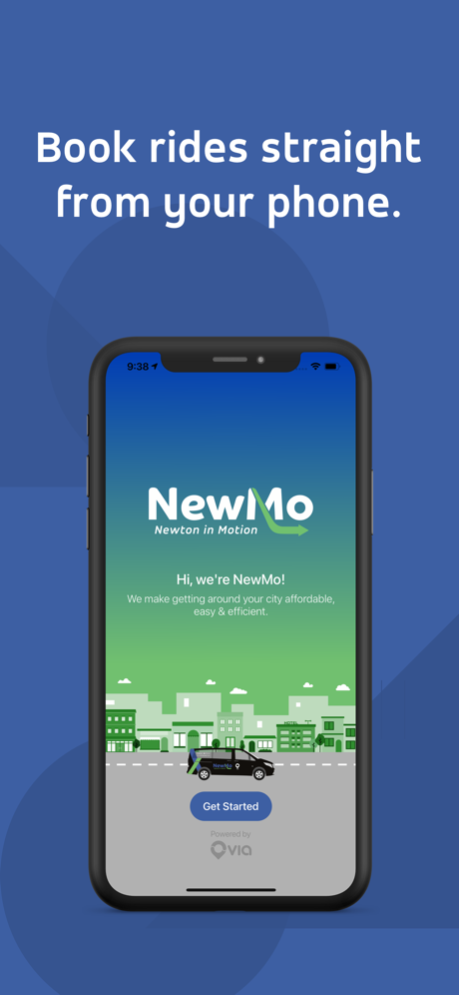
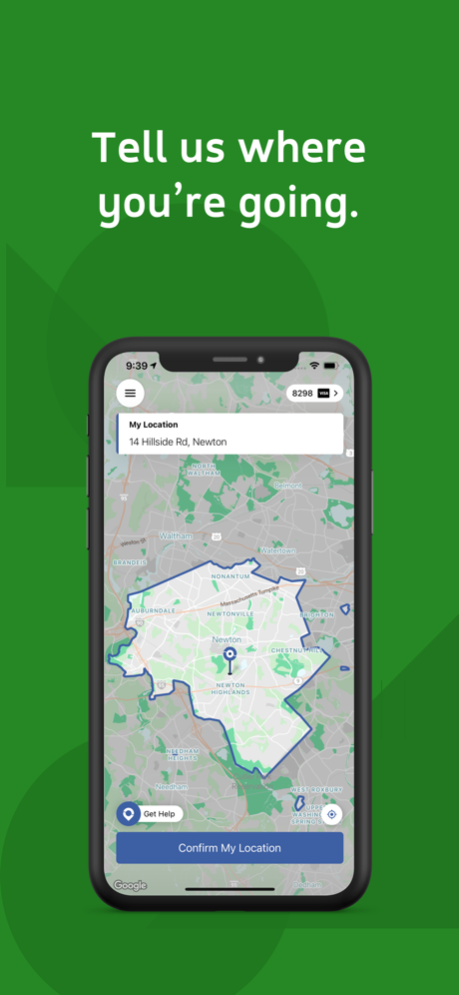
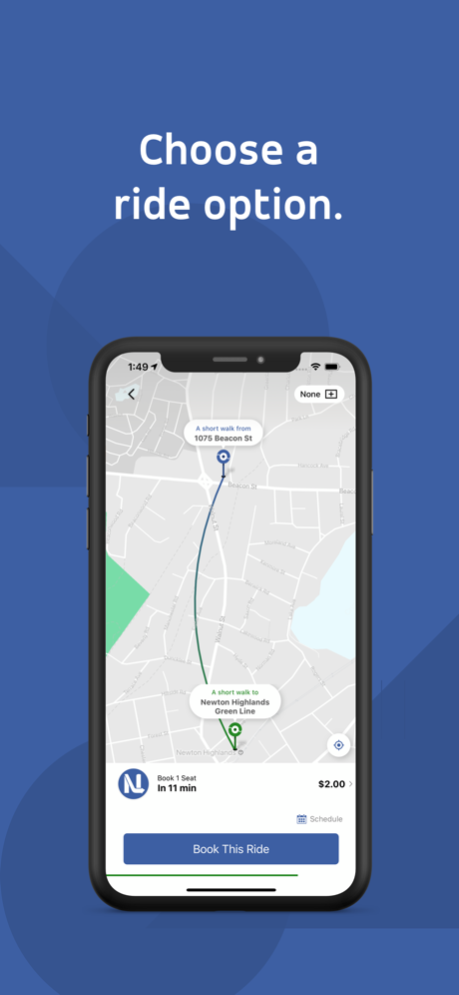
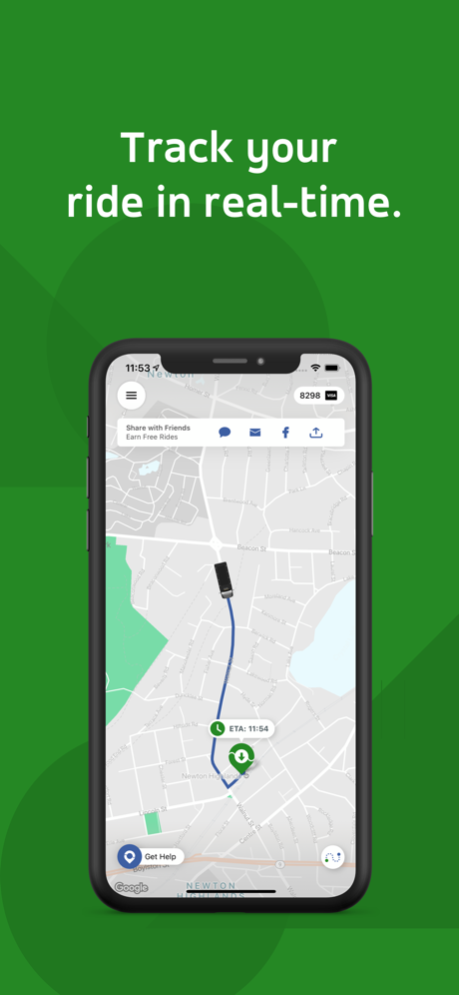
Think of NewMo as a whole new way to get around Newton — a ridesharing service that’s smart, easy, affordable, and green.
With a few taps, book an on-demand ride in the app and our technology will pair you with other people headed your way. No detours, no delays.
How it works:
- Book a ride on your phone.
- Get picked up on a nearby corner.
- Share your ride with others.
- Save cash and reduce carbon emissions.
What we’re about:
SHARED.
Our corner-to-corner algorithm matches people headed in the same direction. This means you’re getting the convenience and comfort of a private ride with the efficiency, speed, and affordability of a public one.
AFFORDABLE.
Aggregating people into one vehicle brings down prices. Whether you are an eligible senior or a commuter in Newton, rides will always be a flat low fee.
SUSTAINABLE.
Sharing rides reduces the number of vehicles on the roads, bringing down congestion and CO2 emissions. With a couple of taps, you get to do your part to make your city a little bit greener and cleaner, every time you ride.
Questions? Reach out at newmo@ridewithvia.com. Loving your experience so far? Throw us a 5-star rating. You’ll have our eternal gratitude.
May 10, 2024
Version 4.16.2
Performance improvements and bug fixes
About NewMo
The company that develops NewMo is Via Transportation, Inc.. The latest version released by its developer is 4.16.2.
To install NewMo on your iOS device, just click the green Continue To App button above to start the installation process. The app is listed on our website since 2024-05-10 and was downloaded 0 times. We have already checked if the download link is safe, however for your own protection we recommend that you scan the downloaded app with your antivirus. Your antivirus may detect the NewMo as malware if the download link is broken.
How to install NewMo on your iOS device:
- Click on the Continue To App button on our website. This will redirect you to the App Store.
- Once the NewMo is shown in the iTunes listing of your iOS device, you can start its download and installation. Tap on the GET button to the right of the app to start downloading it.
- If you are not logged-in the iOS appstore app, you'll be prompted for your your Apple ID and/or password.
- After NewMo is downloaded, you'll see an INSTALL button to the right. Tap on it to start the actual installation of the iOS app.
- Once installation is finished you can tap on the OPEN button to start it. Its icon will also be added to your device home screen.
Program Details
System requirements
Download information
Pricing
Version History
version 4.16.2
posted on 2024-05-10
May 10, 2024
Version 4.16.2
Performance improvements and bug fixes
version 4.11.10
posted on 2024-03-12
Mar 12, 2024
Version 4.11.10
Performance improvements and bug fixes
version 4.6
posted on 2022-12-26
Dec 26, 2022
Version 4.6
Performance improvements and bug fixes.
version 4.3.5
posted on 2022-08-04
Aug 4, 2022 Version 4.3.5
Performance improvements and bug fixes.
version -
posted on 2022-05-17
Disclaimer
Official App Store Link
We do not host NewMo on our servers. We did not scan it for viruses, adware, spyware or other type of malware. This app is hosted by Apple and passed their terms and conditions to be listed there. We recommend caution when installing it.
The App Store link for NewMo is provided to you by apps112.com without any warranties, representations or guarantees of any kind, so access it at your own risk.
If you have questions regarding this particular app contact the publisher directly. For questions about the functionalities of apps112.com contact us.
